








Why your pool hashrate differs from your miner
Your miner console shows one hashrate and the pool dashboard another. What each number measures, why they differ, and when a gap is a real problem.
Why do the miner and the dashboard show different numbers?
They measure different things, so they are never exactly equal. Your miner console reports the speed of your hardware, measured locally in real time.
The pool cannot see your GPU. It only sees the shares you submit. So the dashboard computes an effective hashrate from the work it actually accepted over a time window.
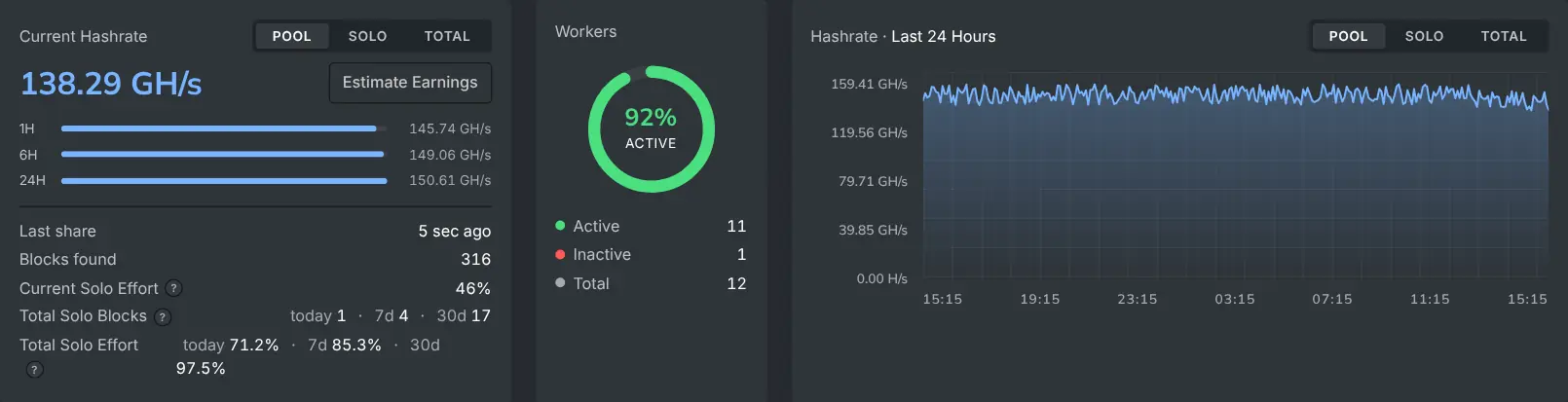
Why does the pool-side number wobble?
Shares arrive at random, like raindrops rather than a metronome. Over a short window, the pool-side number swings above and below your real speed.
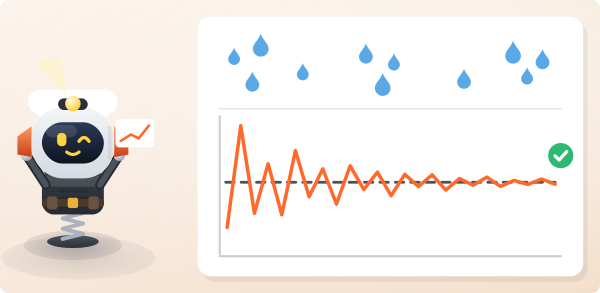
This is expected, and it averages out. Compare your miner with the 6-hour or 24-hour dashboard averages, not the minute-by-minute view.
What makes the gap wider?
Some of your work cannot be counted:
- Stale shares, which arrive after the job has already changed.
- Rejected shares, which fail validation.
More of your work falls into that bucket when latency to the server is high, an overclock is unstable or the connection drops. The pool-side number then falls further below the console number.
When is the gap a real problem?
A gap of a few percent that comes and goes is normal. Look closer when both of these hold:
- The 24-hour average stays well below your miner's figure.
- Your stale or rejected counts keep rising.
Then re-check your region choice and the stability of your connection. Also back off an aggressive overclock or undervolt.