








How to choose your server region
Why the closest server region wins, what latency really changes in mining, how to set a backup, and what to do when your ISP or country blocks mining.
Which region should you mine on?
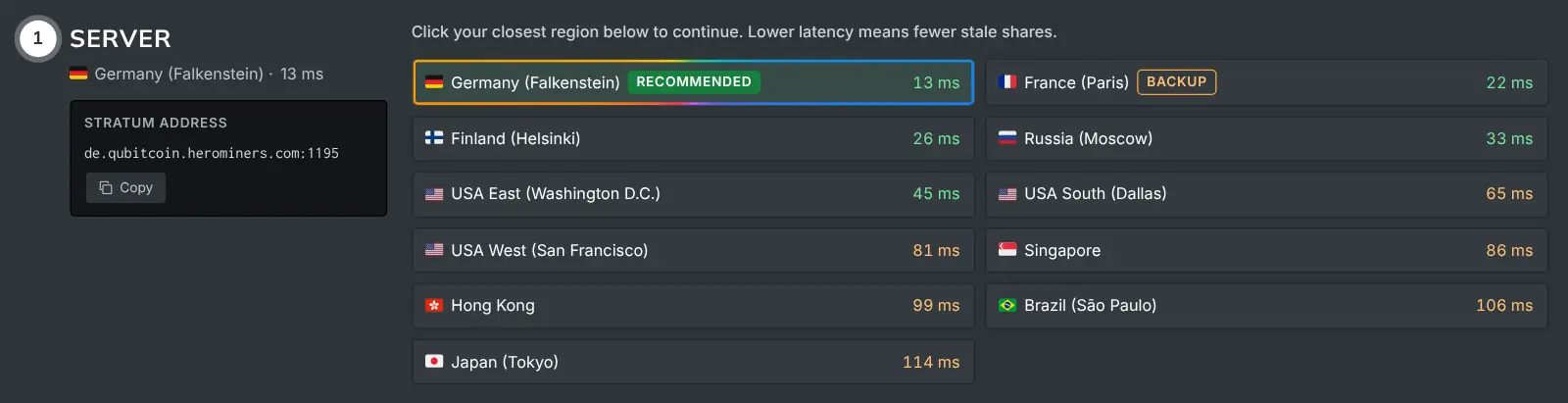
Mine on the region with the lowest latency, which is usually the closest one. Latency is the time a message takes to travel from your rig to the server and back.
Servers run in many regions around the world. The How to Mine guide pings them from your browser and selects the lowest-latency region for you.
A shorter round trip means new jobs reach your rig sooner. Your shares also reach the pool sooner.
What does latency change, and what does it not?
Latency does not change how fast your GPU computes. Your hashrate is produced locally either way.
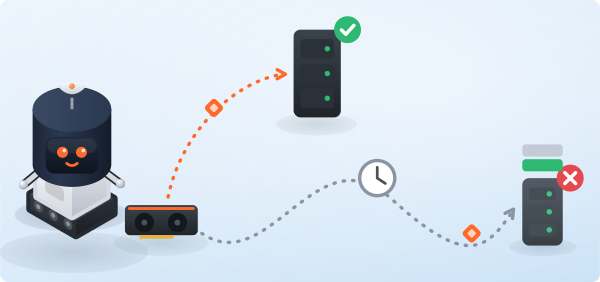
High latency raises the part of your work that arrives late. These are called stale shares: the job changed while your result was still travelling.
Picking the closest region keeps stale shares to a minimum. That is what protects your effective earnings.
What if your ISP or country blocks mining?
In some regions, such as Russia and China, ISPs and governments block mining or the pool's domain. For this case, the guide offers alternative connection routes and a proxy option.
If your connection suddenly stops working:
- Come back to the How to Mine page.
- Pick the proxy or alternate route closest to you again.
- Update your miner with its latest connection details.
Should you set a backup region?
Yes. Most miners accept more than one pool entry and fail over to the next one automatically.
Add a second region as your backup. Then a maintenance window or a network hiccup never leaves your rig idle.