








Mining Qubitcoin on Windows
Mine Qubitcoin on Windows: pick a qhash miner for your NVIDIA, AMD or Intel GPU, download it safely, create a start file and check it works.
Which miner should you use on Windows?
All the Qubitcoin miners we document ship Windows builds. Choose by the maker of your graphics card (GPU):
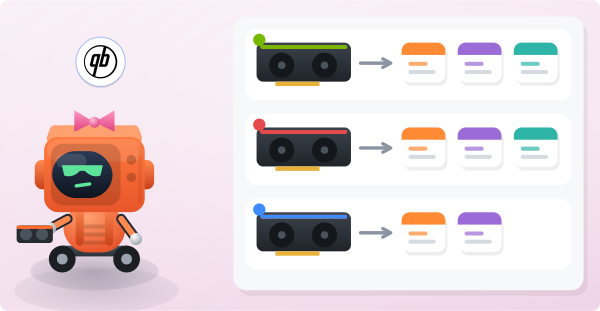
- NVIDIA: SRBMiner-Multi, WildRig NG or ForgeMiner.
- AMD: SRBMiner-Multi, WildRig NG or ForgeMiner (RX 5000 series or newer).
- Intel Arc: SRBMiner-Multi or WildRig NG.
How do you download a miner safely?
Download only from the miner's official releases page. The How to Mine page links each one directly.
Antivirus tools commonly flag mining software. If Windows Defender quarantines the download, add an exclusion for the miner's folder. Do this only for binaries you got from the official releases page.
How do you create a start file?
- Open our How to Mine page. It detects your closest server and builds the full command line for your chosen miner.
- Paste that command into a plain text file.
- Save it next to the miner as herominers-qubitcoin.bat.
- Double-click the file to start mining.
To edit it later, right-click the file and choose Edit.
How do you know it is working?
Within a few minutes the console prints accepted shares. Then type your wallet address into the search box on any page of this site to open your dashboard.

Does the console show rejected shares or connection errors instead? Then work through the worker-offline checklist.