








Mining Qubitcoin on HiveOS
Run Qubitcoin on HiveOS as a custom miner: the wallet, pool URL and miner values your flight sheet needs, and how to check your worker is mining.
Can you mine Qubitcoin on HiveOS?
Yes, as a custom miner. HiveOS is a Linux-based mining system that manages rigs through flight sheets. A flight sheet is the saved set of wallet, pool and miner settings for a rig.
The Qubitcoin miners we document (SRBMiner-Multi, WildRig NG and ForgeMiner) all ship Linux builds. Those builds are what run on HiveOS.
We do not maintain verified per-miner HiveOS packages. So treat this as a custom-miner setup, not a one-click integration.
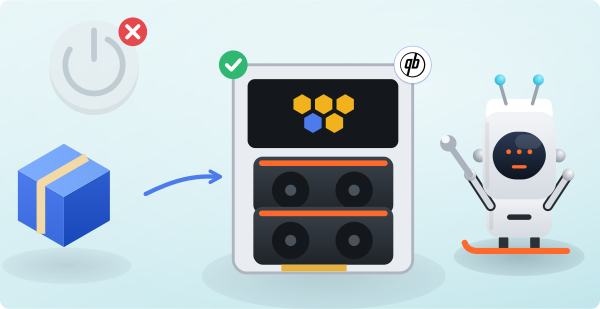
What goes in the flight sheet?
However you add the miner, the three values are always the same. The How to Mine page builds them for you:
- Wallet: your Qubitcoin address (bc1…, 1… or 3…).
- Pool URL: your closest region host with port 1195, for example de.qubitcoin.herominers.com:1195. For TLS, use the same port with stratum+ssl://.
- Miner: the Linux build of your chosen miner, added through HiveOS's custom miner option. Use the exact argument line from the How to Mine generator.
How do you fill in the custom miner form?
Select Linux on the How to Mine page and copy the full command it produces. Use that one command as your reference.
HiveOS's custom miner form asks for an installation URL, a binary name and extra arguments. Each of these maps onto a piece of that command. For the packaging details, follow HiveOS's own custom-miner documentation.
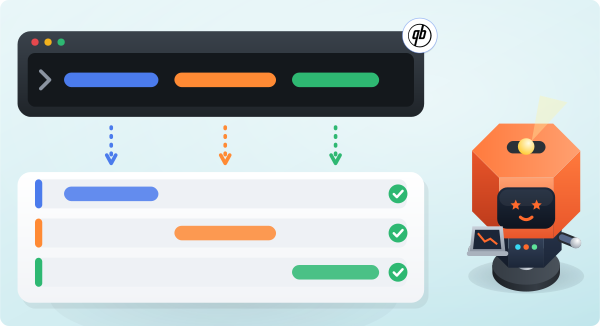
How do you check it is working?
After the flight sheet applies, your worker should appear on your dashboard within a few minutes. It shows its first accepted shares there.
If it does not appear, read the miner log on the rig. The worker-offline checklist covers the common causes in order.