








GPU tuning for mining: a safe starting point
How undervolting and careful clock tuning cut GPU power and heat without losing hashrate, and how to tune in small steps while staying stable.
Why tune a GPU for mining?
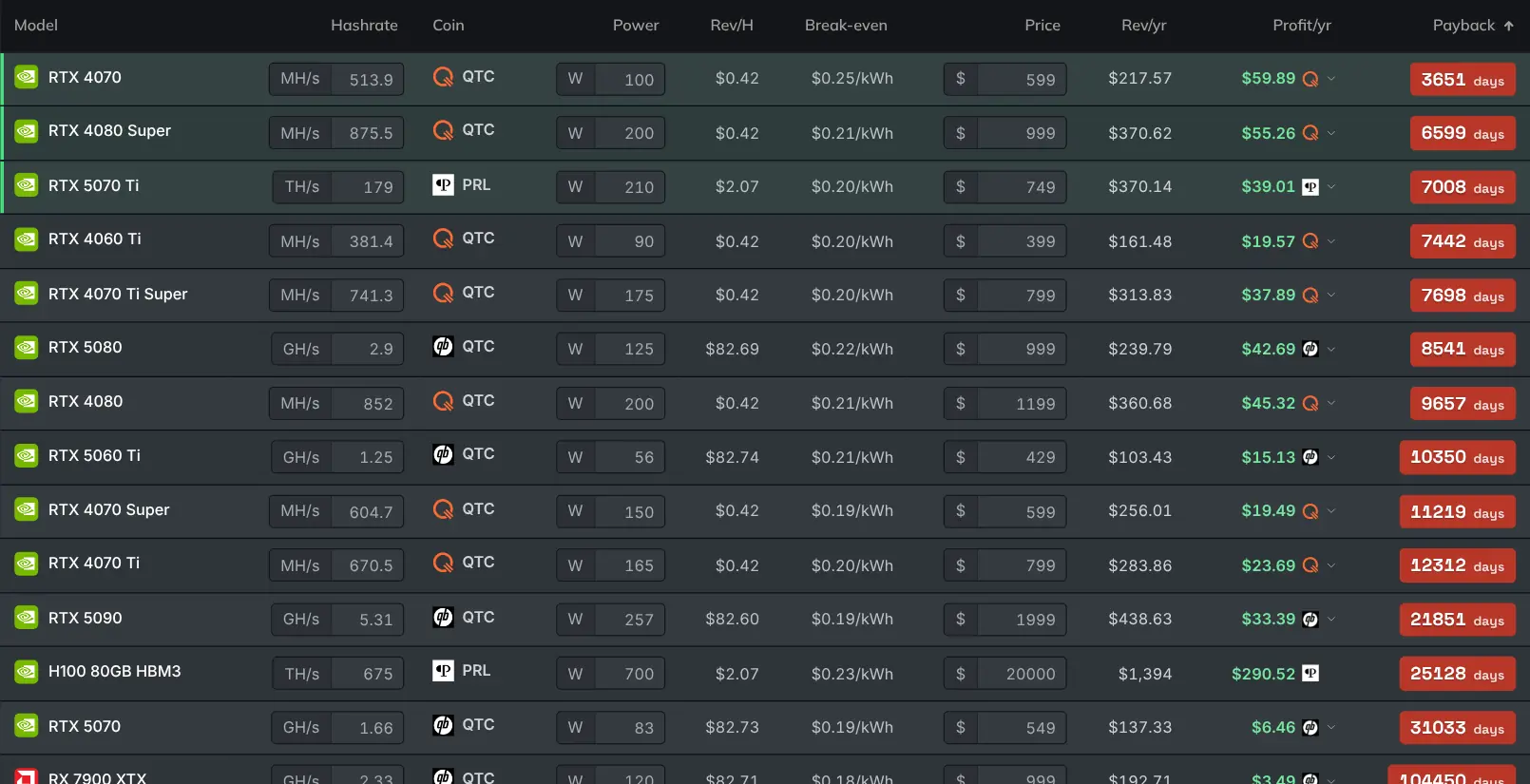
A little tuning cuts power draw and temperature a lot, while keeping almost all of your hashrate. Power is your main running cost, so this directly improves your profit.
Out of the box, a GPU is tuned for bursty gaming loads. Mining is a steady grind that runs all day.
What is the most effective change?
Usually undervolting: running the card at a lower voltage for the same clock speed. It cuts power and heat sharply, with little or no loss of hashrate.
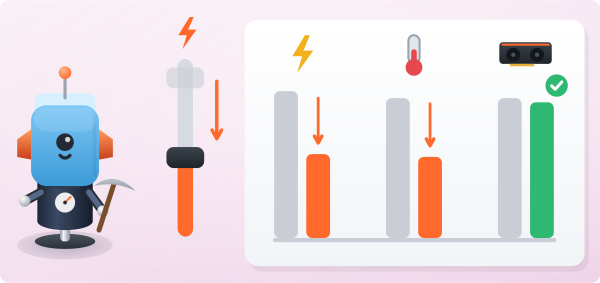
It also makes the card quieter and helps it last longer. Lower the voltage in small steps, and test for stability after each one.
How do I tune without losing stability?
Change one thing at a time and give it a few hours. Watch two numbers on your dashboard:
- Your hashrate should hold.
- Your stale or rejected share count should stay low. A stale share is one sent for work the network has already moved past.
If either gets worse, your last step was too aggressive, so step back. A slightly conservative tune that runs for weeks beats an aggressive one that crashes.
Why do cooling and stability matter most?
Good airflow does half the work. A cooler card holds higher clocks and lasts longer.
Aim for a tune you can leave running unattended for days. It should have no crashes and no climbing stale rate.
Stability earns more money than the highest possible number.